✨ AI-based transformation

Starling 360
A 360° School Transformation

Starling360 is the operating platform for the modern school. Principals and management rely on it for institutional oversight: academics, finance, campus, and HR in one system, so decisions rest on complete information. Pathfinder informs each student’s pathway, Ask Maina handles family enquiry with published records, and early support surfaces decline in time for a considered response.
Starling360

Managing the school the way it should be

For principals & school owners

From daily chaos to clear control

Eight problems school teams still run on paper, WhatsApp, and spreadsheets — and the Starling360 features that replace them.
The problem
Fee tracking buried in paper and spreadsheets

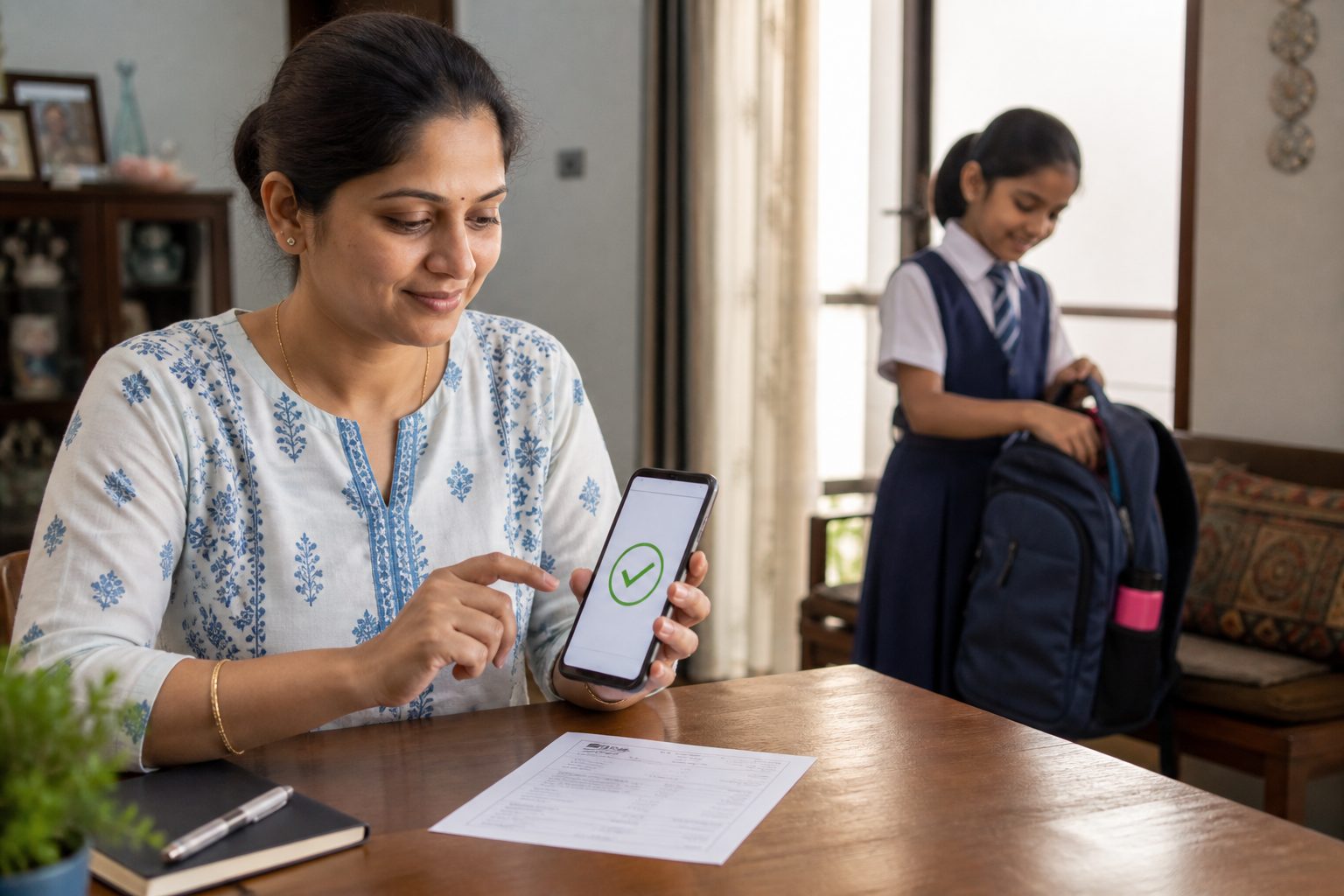
Fees in spreadsheets. Parents chase receipts. Finance chases follow-ups.
Starling360
Parent paying school fees on a phone

Term invoices, online payments, reminders, and auto-recorded receipts — parents pay anytime.

The problem
Manual timetabling on paper charts

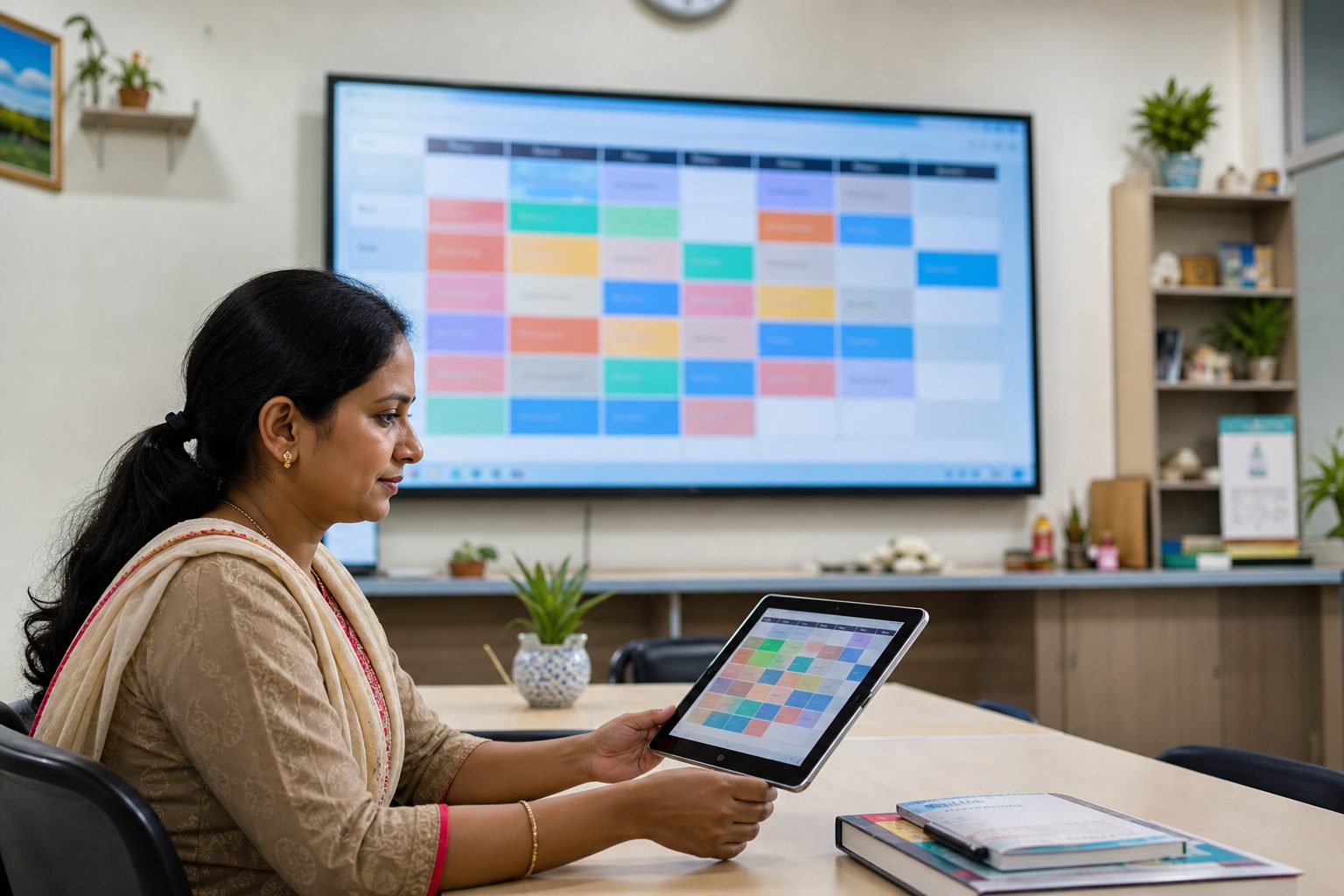
Timetables take days. Clashes slip through. A teacher absence starts the puzzle over.
Starling360
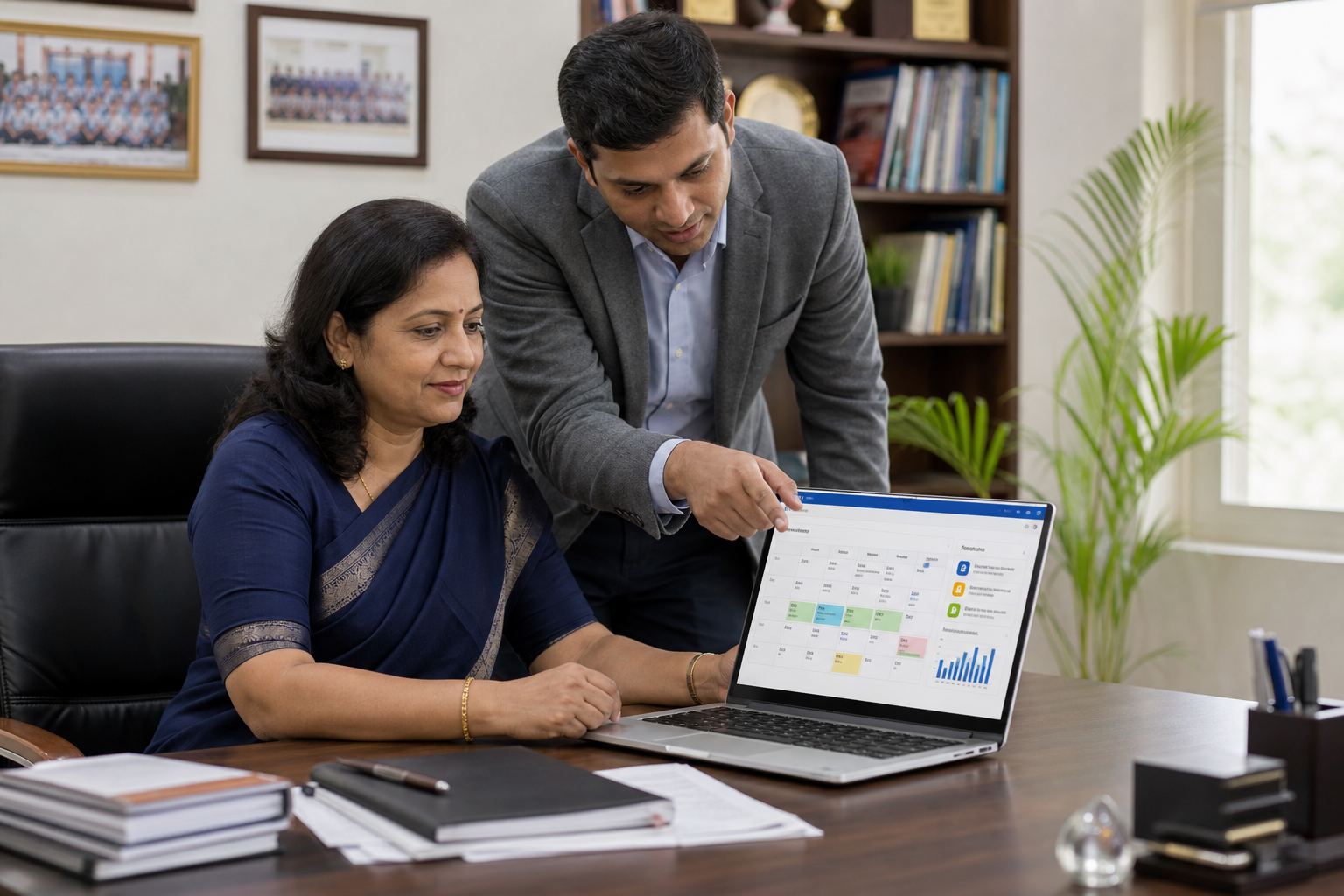
Published digital school timetable

Clash-free timetables in minutes, published to every role — with substitutions when staff are away.
The problem
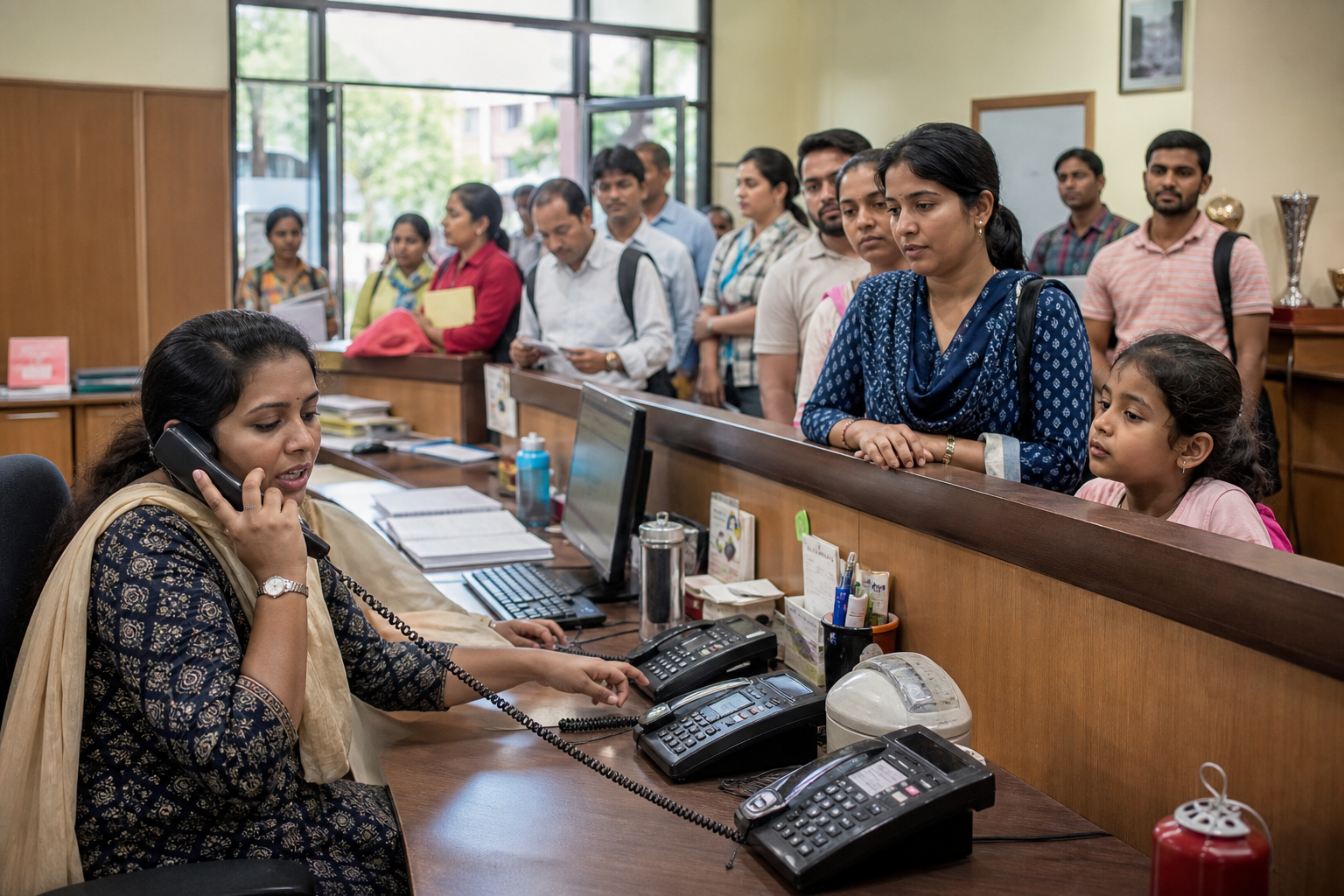
Parents queuing and calling the school for updates

Parents call for attendance, marks, and homework. Staff live in WhatsApp forwards.

Starling360
Parent checking school updates with her child

Parent portal, circulars, PTM booking, a support desk — and Ask Maina for published records in plain language.

The problem
Student struggling unnoticed in class

Struggling students surface too late — and stream or career talks still rest on hunches.

Starling360
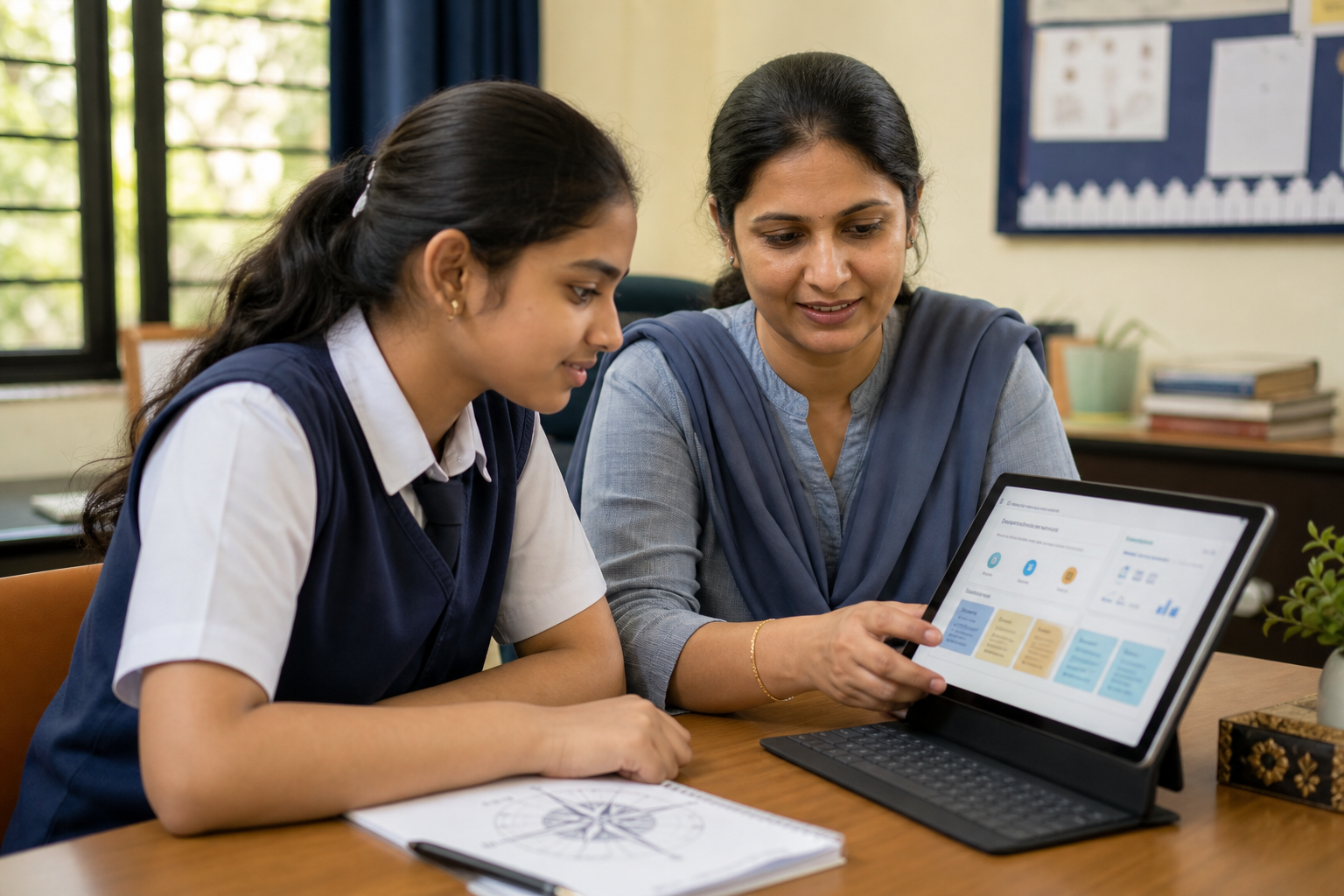
Teacher supporting a student with early progress insights

Early support flags decline in-term. Pathfinder AI maps interests, strengths and pathways — published only after staff review.

The problem
Transport, hostel, and catering managed on separate registers

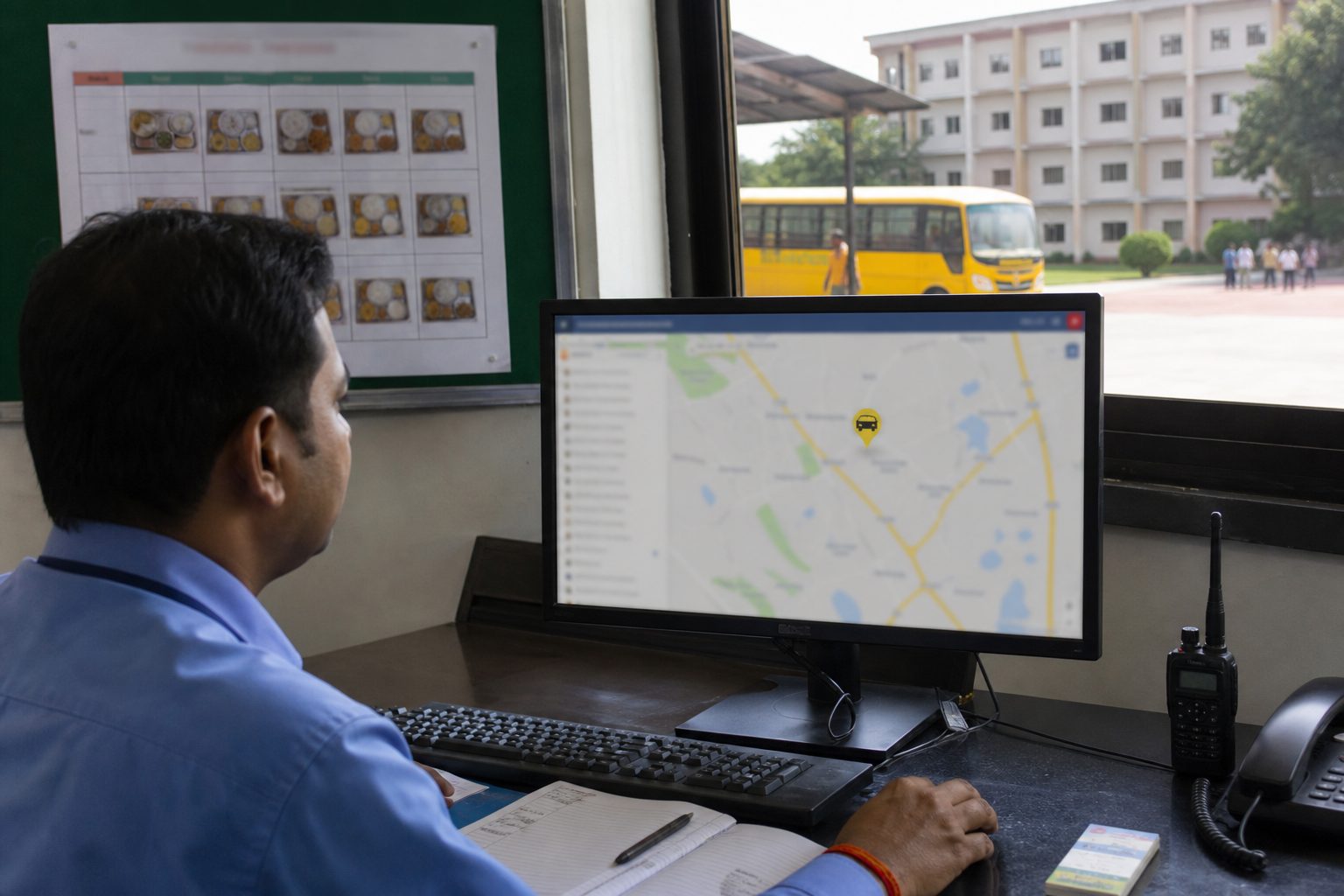
Transport, hostel, catering, and stores run on separate registers and staff.
Starling360
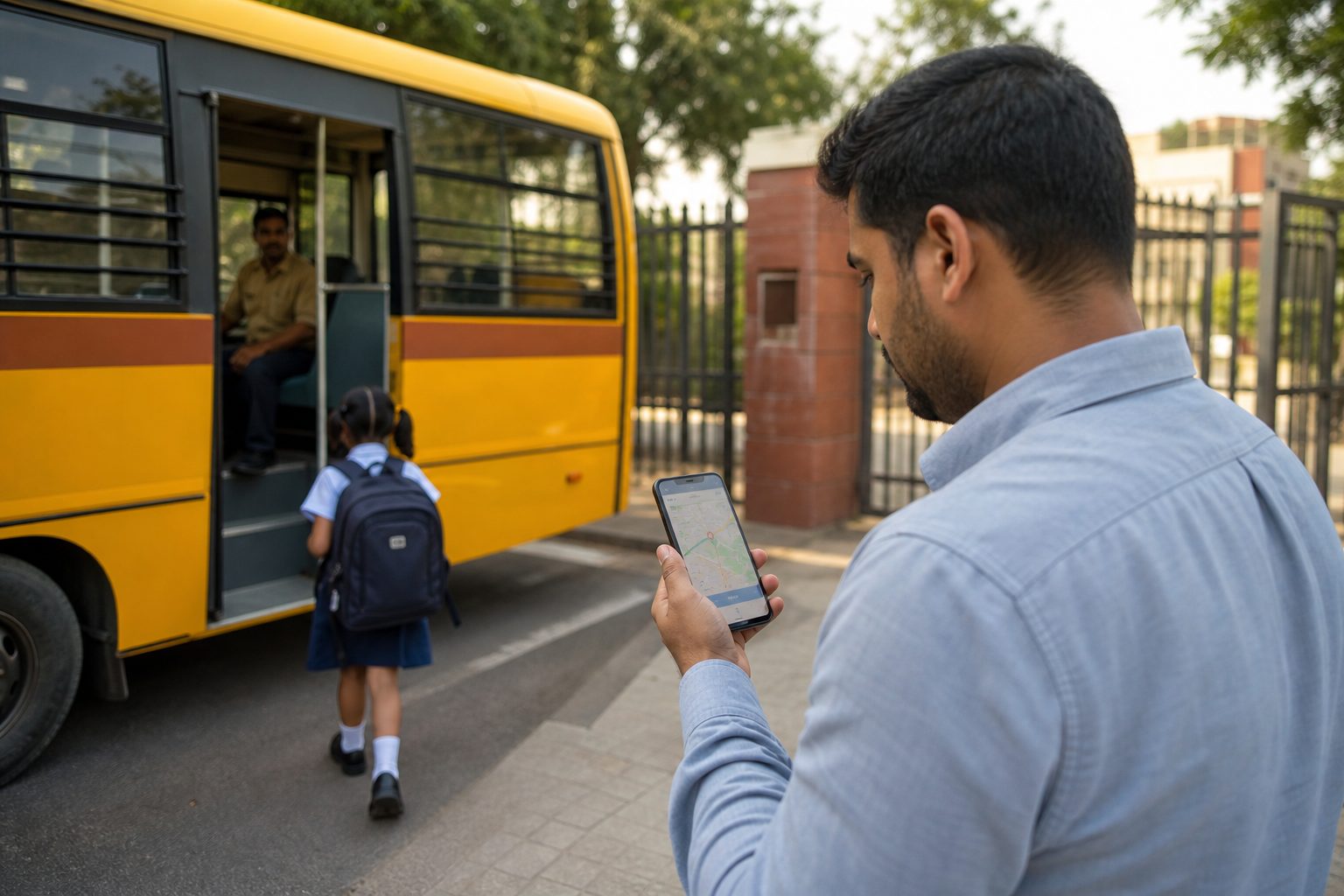
Campus operations with live bus and school monitoring

One campus module — live GPS, hostel rooms, meals, stock, and fees linked to billing.
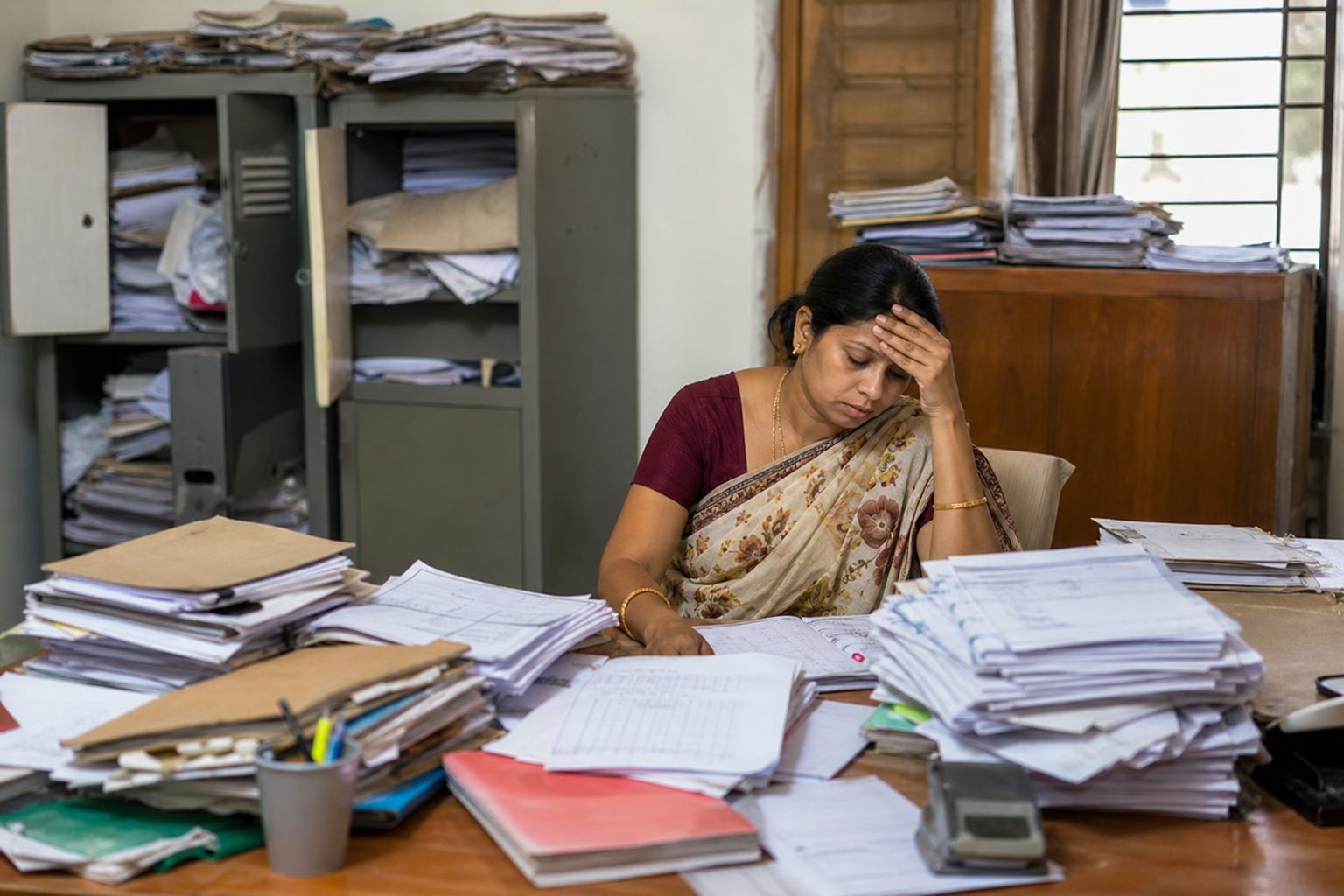
The problem
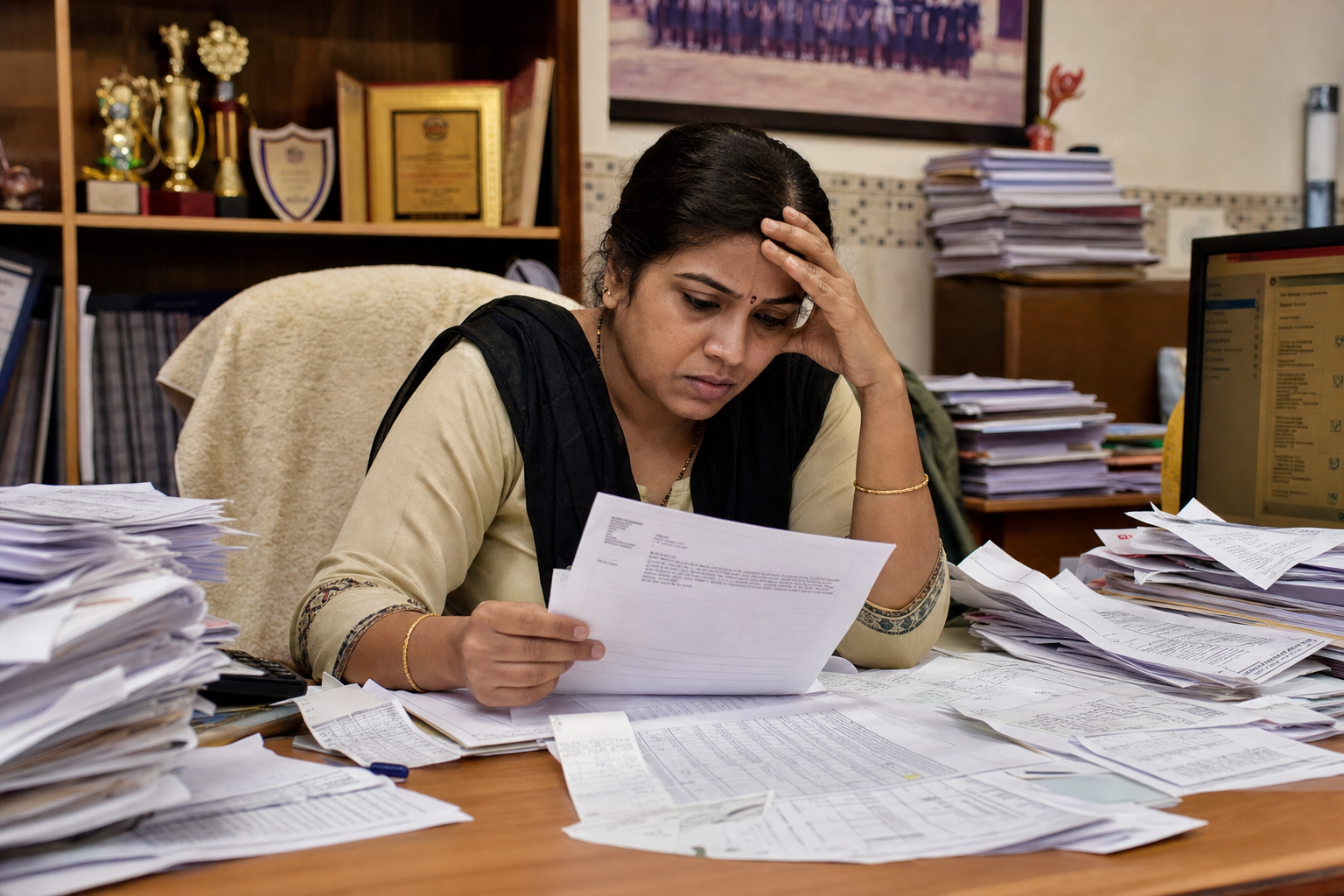
Staff files, leave forms, and payroll paperwork overflowing

Leave in notebooks. Reviews once a year. Payroll in a separate spreadsheet. Hiring on email.

Starling360
Structured staff performance review

Leave, substitutions, performance reviews, payroll, and a careers portal — one HR suite.
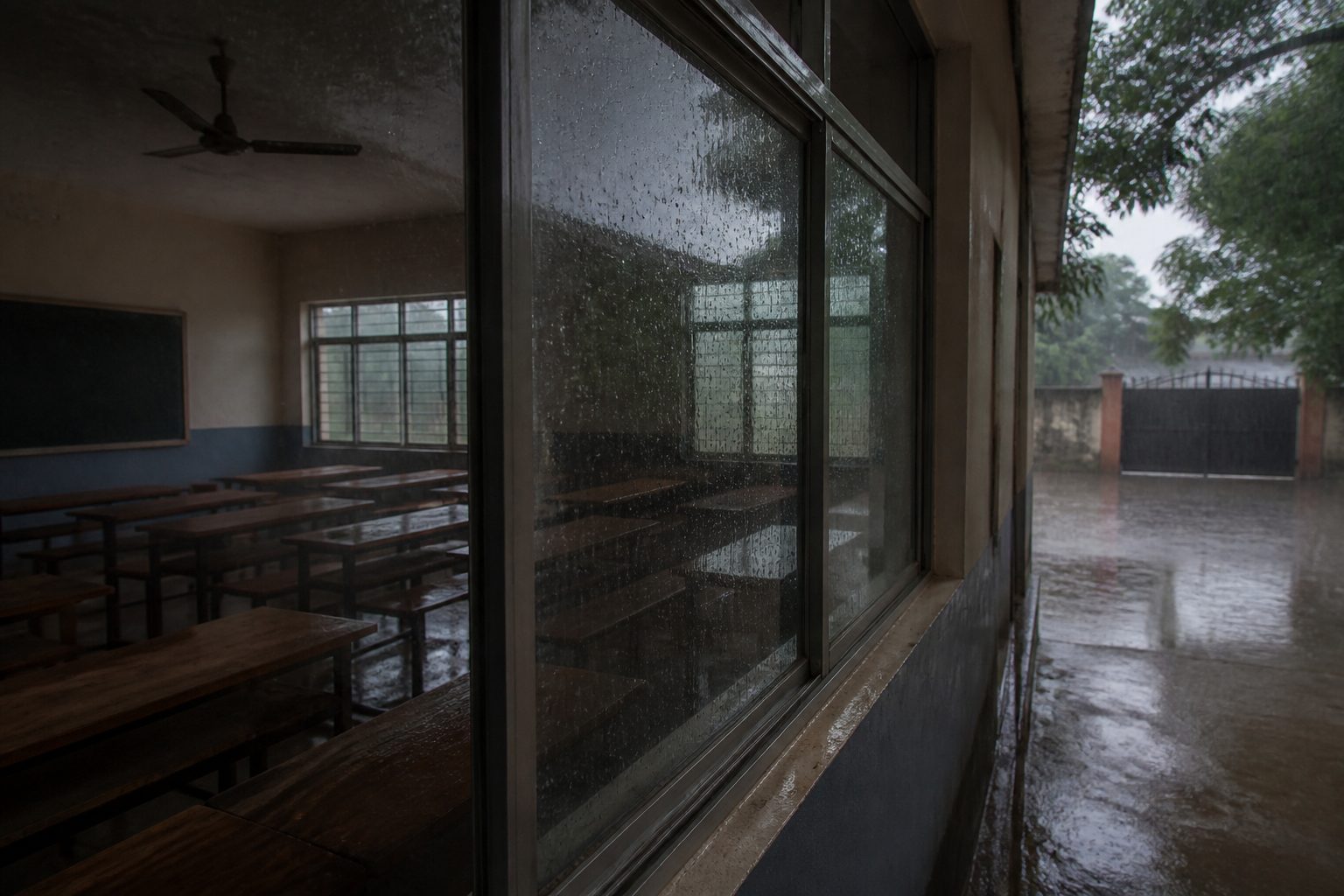
The problem
Rain disrupting the school day

Rain, illness, or a closed campus — and the timetable stops.
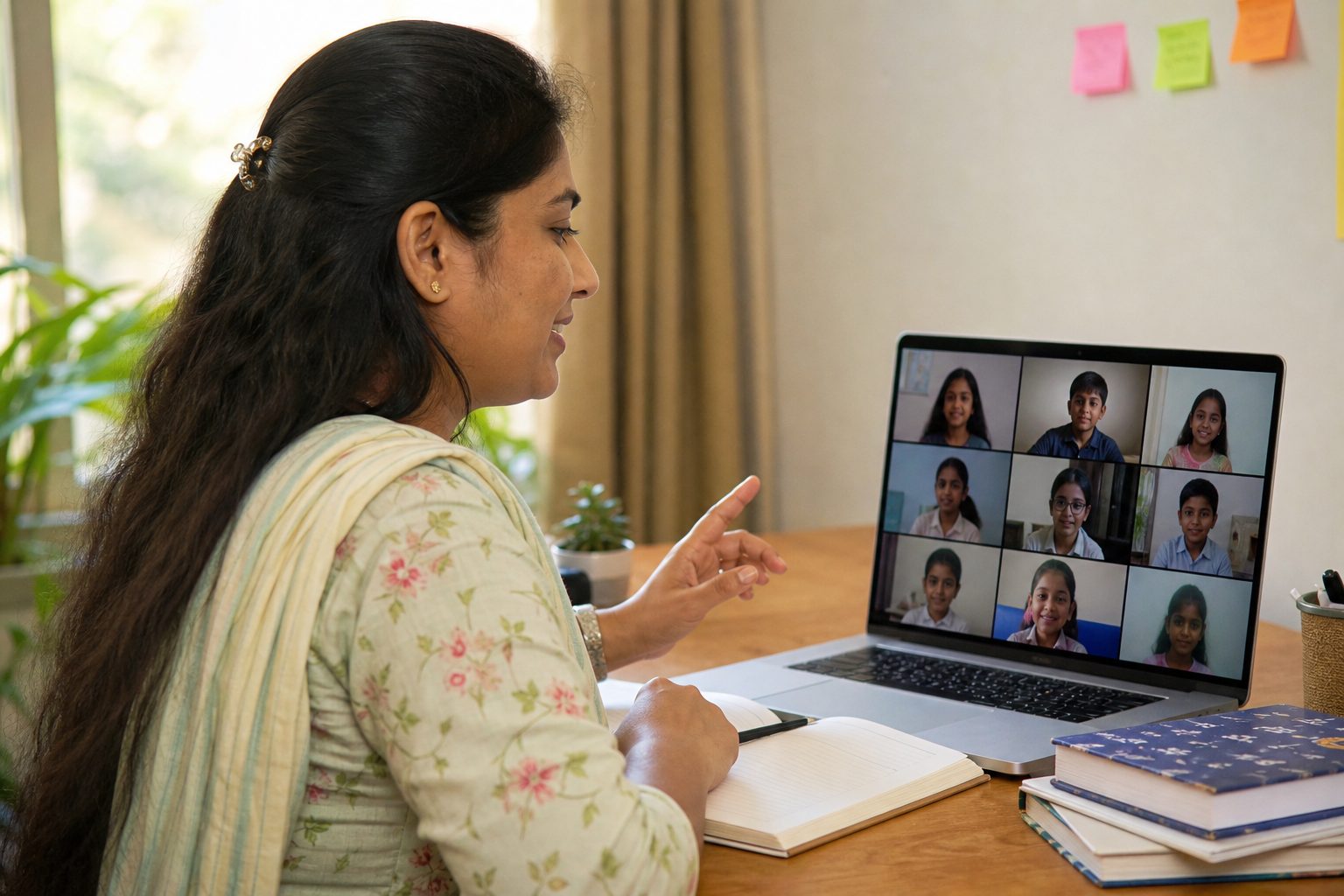
Starling360
Teacher running a live online class

Live online classes, recordings, and attendance so learning continues from home.

The problem
Leadership buried in disconnected reports

Leadership lacks one trusted view across academics, finance, and operations.
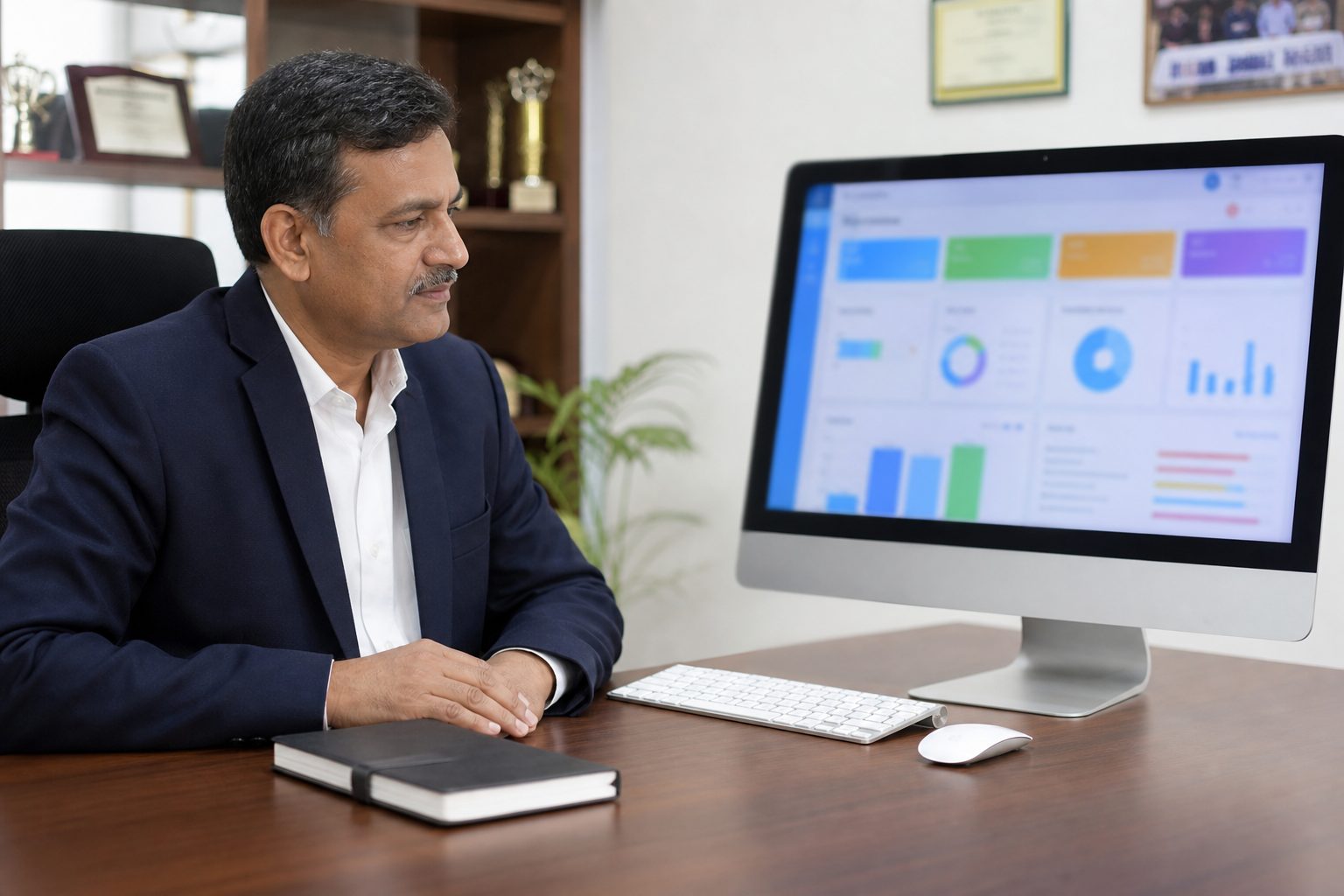
Starling360
Principal reviewing a school leadership dashboard

Leadership dashboards with Pathfinder, AI analysis, and early support — a live picture of the school, read-only, no accidental edits.

What's included

Powerful Features

Six areas that cover the whole school.

Academics

  • Attendance, homework, exams, and progress reports
  • Curriculum topics with practice assessments
  • Daily class remarks and classroom observations

Schedule & campus

  • Auto timetables and teacher substitutions
  • Live classes and recordings when campus is closed
  • Transport GPS, hostel, meals, and stock

Families & culture

  • Parent and student apps with Ask Maina
  • Circulars, School Social, and PTM booking
  • Awards, rewards, and a parent support desk

Staff & HR

  • Recruitment portal, leave, and staff attendance
  • Performance reviews and training certificates
  • Payroll, payslips, and bank payouts

Finance

  • Term invoices, allocations, and reminders
  • Online payments and auto-recorded receipts
  • Fee reports and accounts export

Leadership & AI

  • Pathfinder AI — interests, strengths and pathways
  • Ask Maina — student and parent records chatbot
  • Student AI analysis, early support, and leadership dashboards
The intelligence layer — advisor support, not a black box

Pathfinder AI

This is the heart of the transformation: use the data the school already has to understand what each student is drawn to, where they are likely to thrive, and what the school should encourage next — with staff review before families see pathway language.

Four lenses on potential

Interests

Subject choices, surveys and activities show what the student is drawn to — not only what they scored last term.

Strengths

Aptitude clusters from academics, practice and engagement — STEM, life sciences, humanities, design, leadership and vocational.

Pathways

Grade-appropriate next steps: exploration domains in middle school, streams in 9–10, higher education and career families in 11–12. Never invented titles.

Human review

Counselors pin, hide and annotate suggestions. Parents and students see pathway language only after the school publishes it.

Beside insights — not instead of them

Early support answers “who needs extra help this term?” Pathfinder answers “what are they drawn to, and what should we encourage next?”

It is advisor support for coordinators, class teachers and counselors — not an AI that decides a child’s career. Explanations stay tied to school evidence, and aspiration mismatches are flagged so staff can talk it through.

See Pathfinder on a demo

How schools use it

1
Score from school data

Marks, subjects, practice, engagement and optional interest surveys become a profile staff can actually read.

2
Review ranked pathways

Staff see fit and confidence from a school catalog — pin, hide or add counselor notes before anything goes home.

3
Publish when ready

Families see a thoughtful next-step conversation, not an unreviewed career label.

For students and parents

Ask Maina

The school chatbot that looks up published records in plain language — and will not invent a mark. Named for the myna: a bird that talks after it has heard something real.

One sentence. One child. One answer.

Published records only

Attendance, published marks, homework, timetable, lunch, notices — plus meetings and fees for parents. Draft marks stay draft.

One child at a time

Students ask about themselves. Parents pick a linked child. Maina will not discuss anyone else.

Willing to say she doesn’t know

She never invents a number, never says “at-risk,” and will not give medical, legal, or career advice.

Early support still flags who needs help. Pathfinder still maps next steps after staff review. Maina answers what the family is already allowed to see.

See Maina on a demo

How families use her

1
Ask in plain language

“What’s for lunch?” “Is homework due?” Tap a topic or type a sentence — no hunting through five screens.

2
Look up the published record

Maina reads only what the school has already released for that child — the same facts as the parent and student apps.

3
Answer — or say she doesn’t have it

A short, specific reply. If the record is missing, she points back to the app or the office. Never a made-up number.

✨ Smart Timetable Generator

Our constraint-programming engine builds workable timetables in seconds: respects teacher workloads, avoids double-booking teachers, honours breaks, and optionally applies rule-based custom constraints you type in plain language.

Try it free — no Starling360 login needed — at www.timetables.website

Key Features

Smart scheduling solver

Automatically searches for feasible weekly grids from your assignments—no teacher clashes, sane workloads, breaks and lunches in place, and configurable optimisation goals.

Flexible Configuration

Customize school hours, period duration, breaks, and lunch times. Create multiple break sessions with ease.

Printable Timetables

Generate professional, printable timetables for students, teachers, and parents. Export for all your classes.

Advanced constraints

Optional pattern-matched phrases for teacher availability, permitted subject days or periods, caps per teacher or subject, gaps, and consecutive-lesson rules, with preferred periods as gentle scoring hints rather than hard blocks.

Why It Works

Timetable generation is a high-constraint optimization challenge where teacher availability, subject loads, breaks, room limits, and no-clash rules must all hold at once.

Starling360 solves this with a smart constraint-programming engine that searches feasible schedules quickly and optimizes for practical goals like workload balance, compact days, and full coverage.

Free public demo

The same solver is available as a standalone demo. Create a free account at www.timetables.website, enter your teachers, classes and subjects, and generate a clash-free weekly timetable in minutes.

Try the free demo
Reach us for a full Starling360 demo

How It Works - 3 Simple Steps

1
Add Teachers & Subjects

Enter teacher names and the subjects they teach to the Year 10 classes.

2
Configure Settings

Set school hours, period duration, breaks, and lunch times to match your preferences.

3
Generate & Print

Click generate and get a printable timetable when a feasible schedule exists—with teacher overlap and overload rules enforced by default.

Free demo

Open the generator at www.timetables.website

A free, standalone version of Starling360’s timetable engine — 5- or 6-day weeks, language streams, workload rules, and optional plain-language constraints. Sign up, run a sample week, and see a feasible grid before you talk to us about the full school platform.

Launch free demo

Dedicated User Portals

A dashboard for every role in the school. Select a portal to see what they can do.

Admin

Full school control — configure modules, manage users, and oversee operations from one dashboard.

  • Full user & role management
  • School settings & modules
  • Pathfinder AI, analysis & early support
  • Curriculum import tools

Built for a Network of Schools

Run multiple schools in your group on one Starling360 installation. Each school keeps its own day-to-day operations, while your central office gets unified oversight.

  • One deployment for all schools in your network.
  • School-level separation for users, data, and workflows.
  • Super Admin dashboard to monitor every campus from one place.
  • Standardize policies while letting each school manage local operations.
  • Centralized reporting across AI insights, academics, finance, HR, and transport.
  • Scales easily as new schools join your network.
From Starling360

Articles from Starling360

How AI transformation looks in a real school — pathways, early support, staff, parents, and campus life.

Ready to Transform Your School?

AI-based school transformation — Pathfinder, Ask Maina, early support, and the operations that make them possible.

Get in Touch

Let's discuss how Starling360 can transform your school.
Your information is safe with us. We never share your data.